If you have the older version the updater will not work anymore v5.3.1 and older.
September 30 2026, Version 5.3.2
Had some free time and had the laptop open, updated and created some new code, now has update/news/readme files back online. Added a small updater upgrade in case the server isn’t working or it takes too long to check, wont leave the progress bar on screen. Last update was back in 2023 and I removed the older domain that was using for that script, was just a random non used thing. Technique script was something from way back in the mid 1990’s when I was a programming idiot, it was the second or third programming language I learned and is similar to C. This requires the program mIRC, recent versions 7.64+ which is a Windows application for chatting on IRC Networks.
Internet noobies are not recommended to use this, its what we used in the old days to get knowledge from each other online. Loading scripts from the internet can be very dangerous, this is only for old school mIRC/IRC geeks/Advanced. If that warning doesn’t bother you I would suggest you look up the dangers of IRC and using scripts first and try it out. The script itself is more of a utility script adding more on top of what the mIRC program has built in, its very slim and lightweight. I have an addon or two for download too, but they are not super optimized currently due to what they do. I may add some fun stuff to this later, but I am not on IRC much but still do hop on to lurk a bit every so often.
To use the script you must have mIRC installed then have it open, after that download the script file technique.zip, extract the technique.mrc somewhere and remember where you put it. Then in mIRC you will load it into the remotes section, press the 5th icon over from the left in the toolbar or use keyboard shortcut ALT + R, then press Control + L and choose the technique.mrc file to load. mIRC will give you a script initialization warning, press ok to allow the script to load. You should see some text appear showing that the script is now loaded, look in your menus for new options. To update the script it’s very simple using the update menu option, will let you know if any new version and ask if you want it for auto install.
The popups menus are smart so they adjust depending on connection, user status, screen type and other things. There is a section with Technique in the “Commands” menu up top above toolbar towards center, you can find script news, update checker, and readme. These download fresh files from my server. You can run a local IRC server on your own computer with a tiny bit of editing of the config file using UnrealIRCd if you want to mess with it.
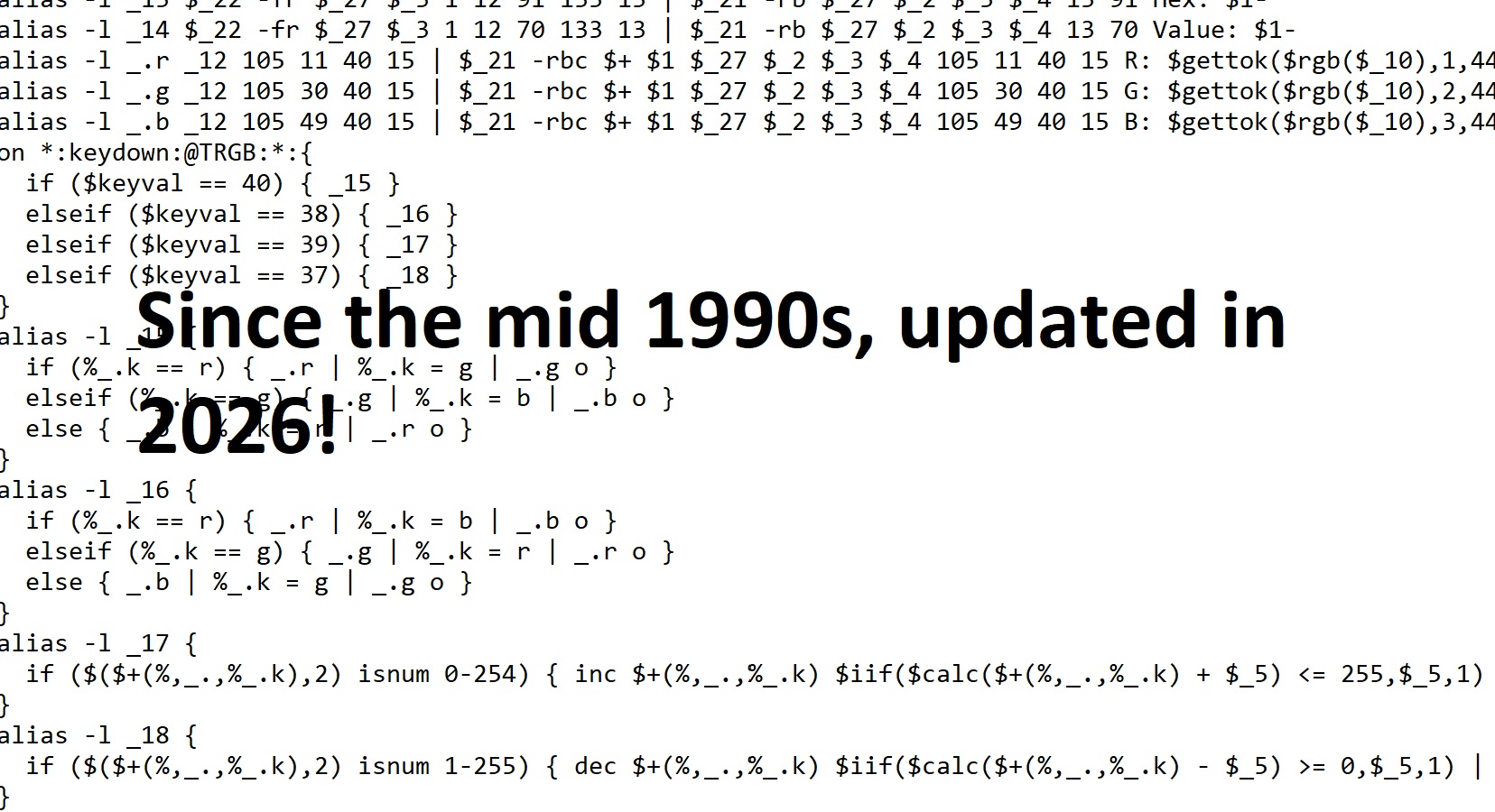
The code in the screenshot is from my very old addon TRGB, a picture window rgb color preview that looked like a dialog totally made from scratch. Basically my own GUI that looked like a dialog in Windows. Cool fact TRGB still works with a tiny change in the old code. If you ever heard of Winamp I made a version of that in mIRC that even streamed music live and created songs into individual .mp3 files way back before it was even a thing.