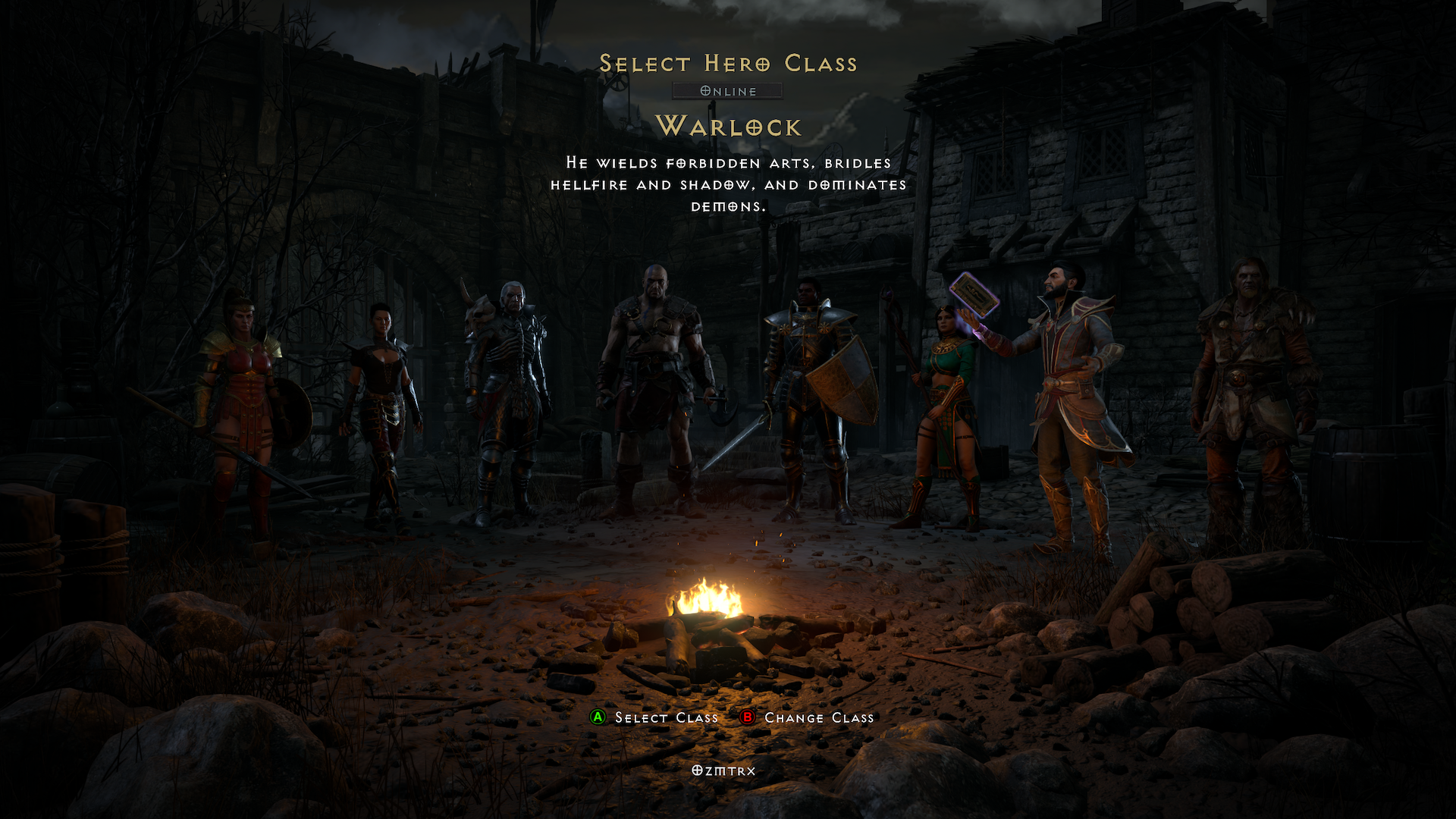
This issue only affects old characters pre DLC you want to convert to new RotW system.
Heads up if you have updated to the newest DLC and then decide to convert your old characters to RotW, anything in your shared stash tabs will not go with you to the new version. You will have to move all your stuff into personal stash or inventory to transfer with character. The good news is your stuff is still there in the system, but your upgraded or new RotW characters will not see or have access to those items. Now I have a couple different platform accounts PC and Xbox and in theory believe I can log onto platform that is not upgraded with the RotW. Then make new characters and fill personal stash and inventory up and finally transfer them will the loot. This is not needed though as I found the fix below.
Don’t worry how to fix problem shown below!
To get that loot transferred make a new character and select ‘Expansion’ which is for Resurrected version only and move loot over with them, just read this at https://us.forums.blizzard.com/en/d2r/t/my-shared-stashes-disappeared-after-the-update/171140/3. On Xbox go to create new character, online, pick any class not a warlock, click Legacy shown below or Y button, choose Expansion. Then login, move your stuff to inventory and personal stash, save and exit, convert character to RotW, then dump loot into new upgraded stash system. This is a slow process manually moving items one by one plus all your gold needs to moved over too. This will take a few characters maybe around 5 in total if your shared stash was pretty full.